
Small Business Website Design: What You Actually Need (And What You Don't)
Before we get into what to include, let's get clear on what a website is actually supposed to do.
Your website isn't a portfolio. It isn't a digital business card. It isn't a place to tell your whole story.
It's a conversion tool. Its one job is to take the right person from 'I found this business' to 'I'm ready to reach out.' Everything on it should be working toward that outcome.
Most small business websites fail at this because they're built around what the owner wants to show — not what the visitor needs to see in order to trust, stay, and act.
Keep that lens on as you read the rest of this.
What Your Small Business Website Actually Needs
1. A Homepage That Converts, Not Just Introduces
Your homepage is not a welcome mat. It's your highest-traffic page and your biggest opportunity to turn a stranger into a warm lead. Most small business homepages waste this.
What it actually needs:
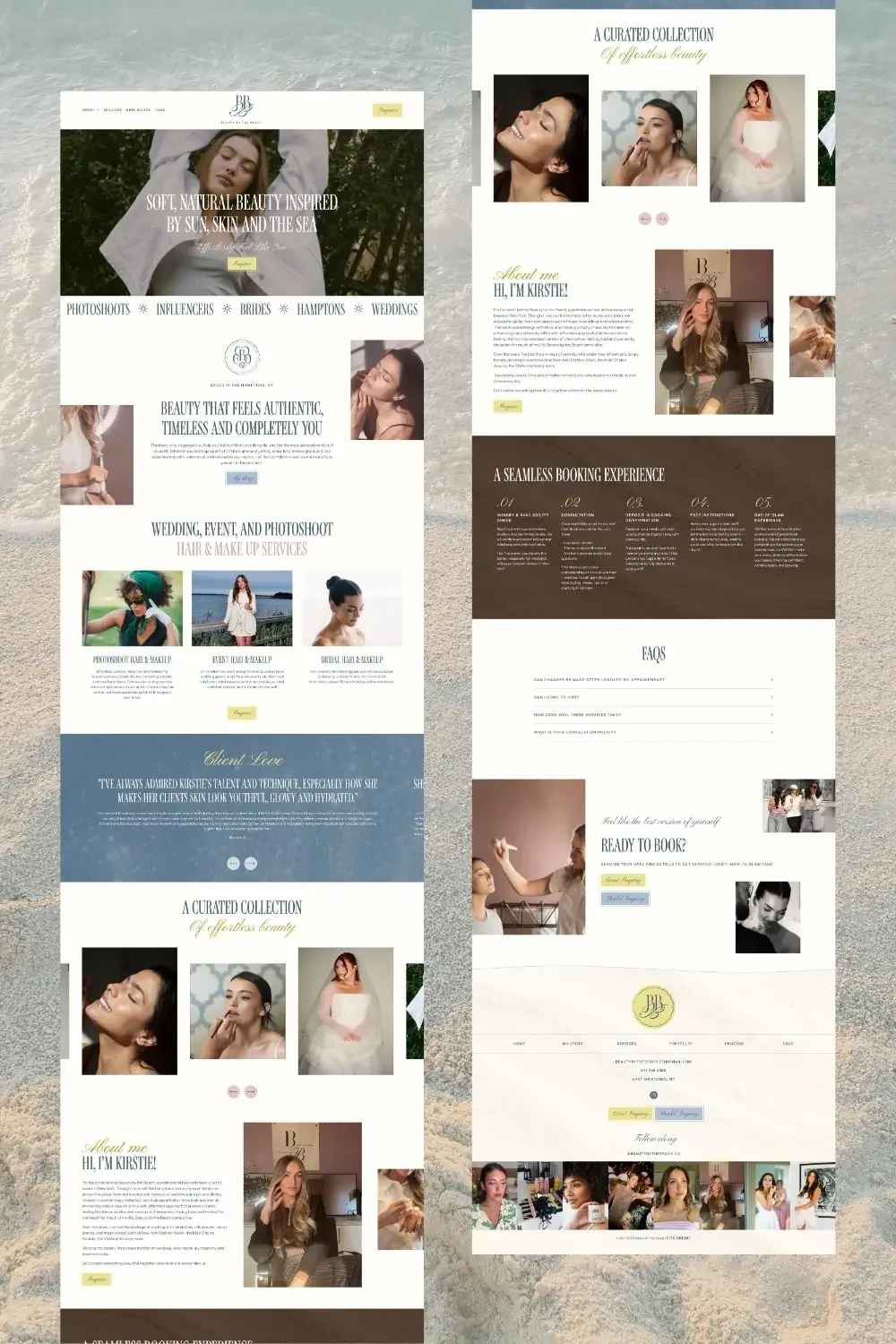
What it actually needs:
A headline that states who you help and what result you deliver, in the first sentence, above the fold
A subheadline that adds context or speaks to the pain point
A clear primary CTA button visible without scrolling (Book a Call, See My Work, Work With Me)
A brief problem section that makes your ideal client feel seen before you pitch a solution
A services overview, not the full details, just enough to orient them and link them deeper
Social proof: at least two specific, results-driven testimonials
A final CTA at the bottom. Never let someone reach the end of your page with nowhere to go
What it doesn't need: a wall of text about your history, or stock photos of laptops and coffee.
2. A Services Page That Sells, Not Just Lists
This is the page most small business websites get completely wrong. They treat it like a menu, a list of offerings, some bullet points of what's included, maybe a price.
A menu doesn't sell. It informs. And information alone doesn't create bookings.
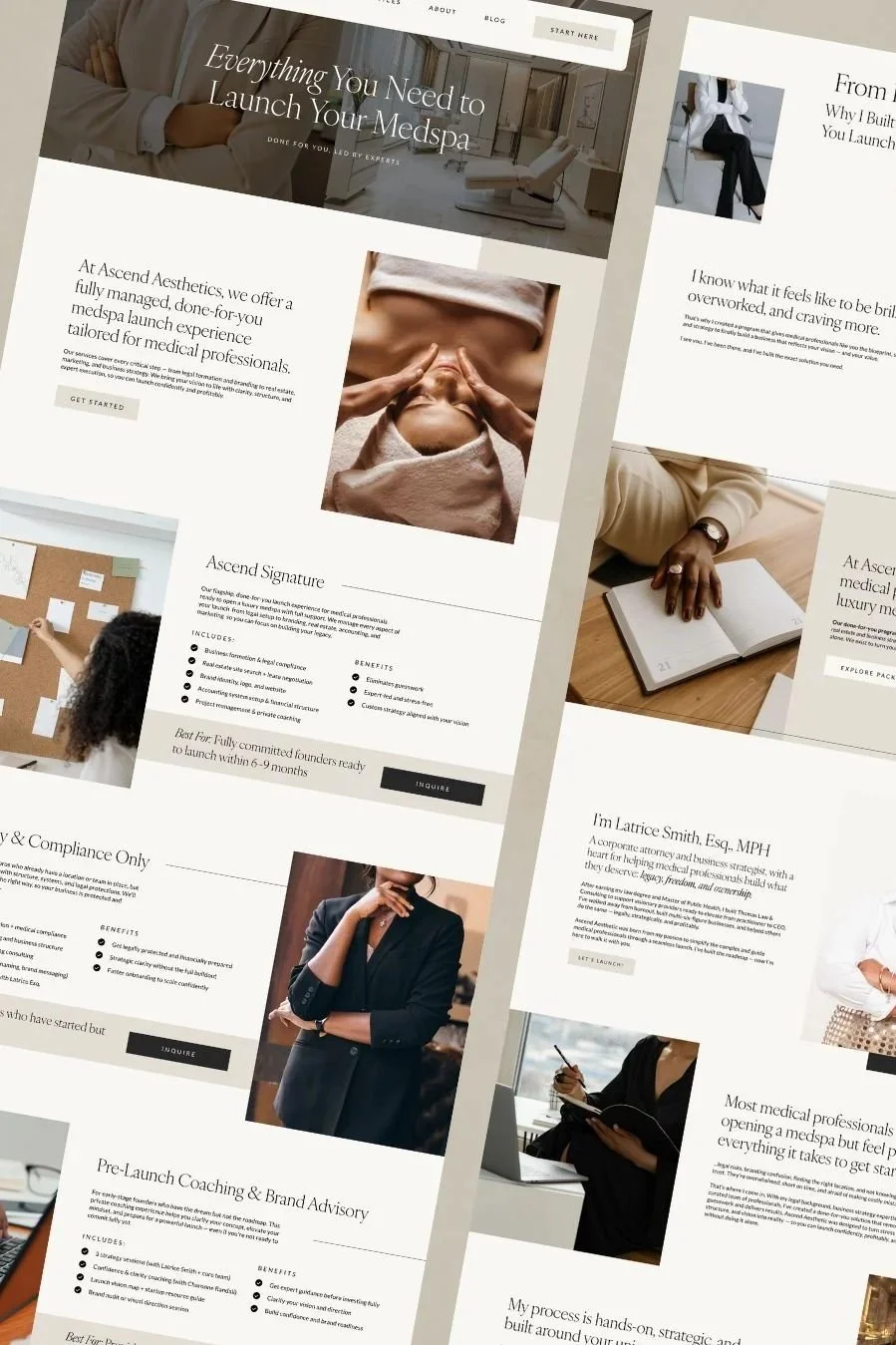
Your services page needs to sell the transformation.
For each service you offer:
Name the problem it solves, describe what life looks like before
Paint the outcome, describe what changes after working with you
Then list the deliverables, not before the transformation language, after it
Include a starting investment or at least a price range. transparency builds trust
Add a CTA per service, not just one at the bottom of the page
BONUS! One strong testimonial right next to each CTA will do more than any amount of copy
A services page that's just a menu is a missed booking, every time.
3. An About Page That Builds Trust, Not Just Biography
Here's the thing about your About page: it's not about you.
It's about the decision your visitor is trying to make. Can I trust this person? Do they get where I am? Are they the right fit?
Start with your ideal client's situation, not your credentials. Hook them with something that makes them feel seen, then introduce yourself through the lens of what you understand about their problem — because of your own experience.
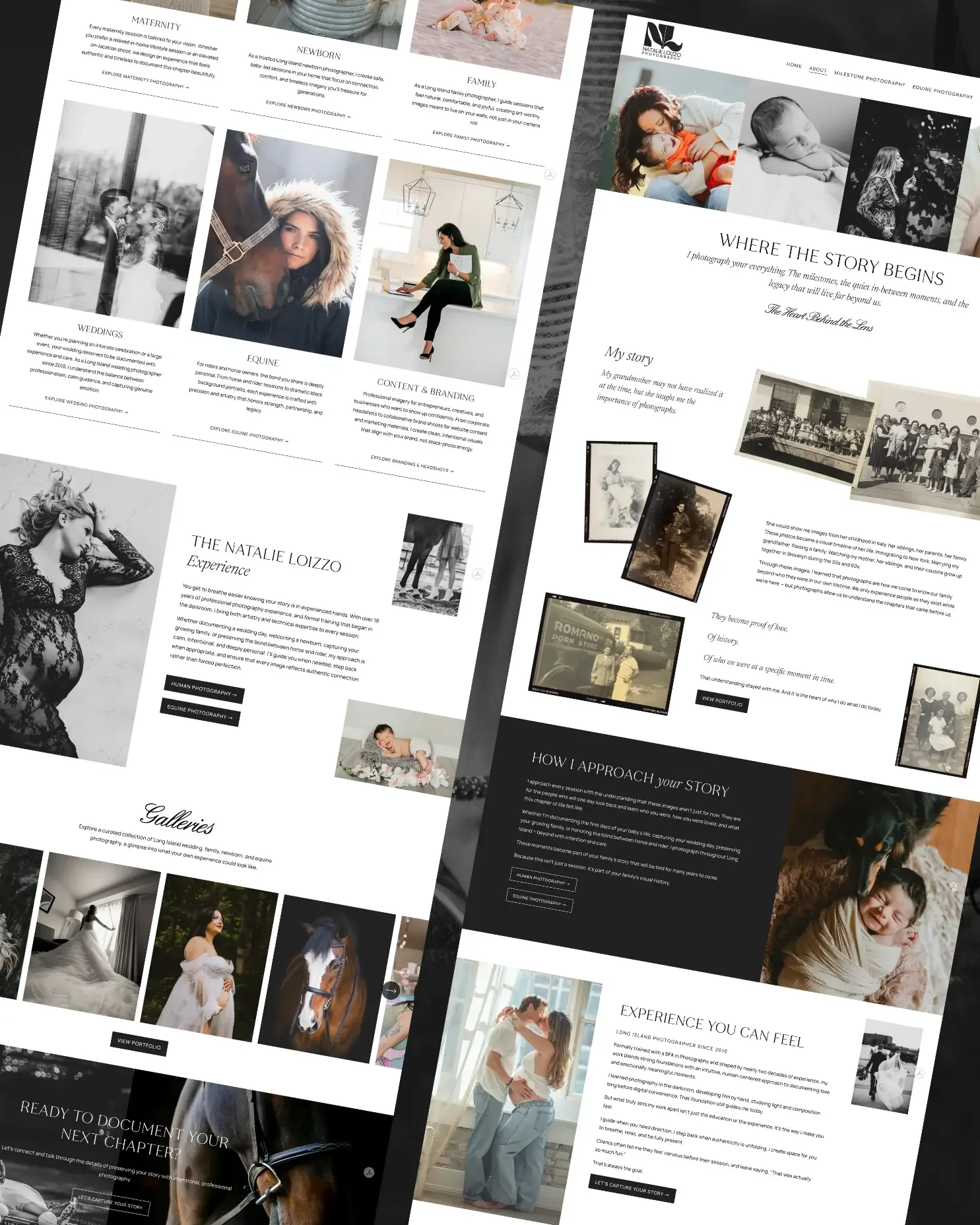
What your About page needs:
An opening that speaks to your ideal client's situation first
Your story, told in a way that's relevant to them, not a resume
Your credentials and proof points (after the connection, not before)
Your philosophy or approach, what makes you different beyond your skill set
A CTA at the end, this is a warm page, don't waste the momentum
4. A Contact Page That Closes, Not Just Collects
Most contact pages are an afterthought. A form, a generic message, done.
Your contact page is where your warmest visitors land, people who've already spent time on your site and decided they want to reach out. Don't waste that with a bare form.
It needs a warm, direct opening that reinforces why reaching out is the right move. A clear 'what happens next' section so they know what to expect. And qualifying questions beyond name and email, use the form to start the conversation before you even get on a call.
5. A Portfolio or Proof Section That Tells a Story
A grid of pretty photos is passive. It sits there and hopes people are impressed.
A portfolio that converts tells a story with every project: where the client was, what you built, what changed. If you can frame your work as before and after, even briefly, you'll close more inquiries from this page than from any other.
No portfolio yet? Social proof in the form of specific, results-driven testimonials will do the same job.
Want the full page-by-page breakdown?
I built a free guide for service businesses that maps out exactly what belongs on every page of your website, and why.
What Your Small Business Website Does NOT Need
This is where a lot of money and time gets lost. Here's what you can confidently skip:
A Complicated Navigation
More pages do not mean a better website. Most service businesses only need five core pages: Home, About, Services, Proof/Portfolio/Work, and Contact. Everything else either belongs on one of those pages or maybe doesn't need to be on your site at all.
The more decisions you force a visitor to make, the more likely they are to leave. Keep navigation tight.
A Blog, Unless You're Actually Going to Publish
An empty blog or one with two posts from two years ago hurts your credibility. It signals that the site isn't being maintained.
If you're going to blog (and strategically, you should) do it with intention. A consistent, SEO-optimized content strategy will bring in organic traffic over time. But a neglected blog does the opposite.
If you're not ready to commit to it, remove it from your navigation until you are.
A Pop-Up on Every Page
One well-placed opt-in is powerful. Pop-ups on every page that fire five seconds after load are let’s face it, annoying, and signal to visitors that you're more interested in their email than their experience. Design for the visitor first.
Every Social Media Platform in the Header
Social links in your header pull people off your site before they've converted. If you include them at all, they belong in the footer. Your website's job is to convert, not redirect the traffic..

The Real Cost of Getting Small Business Website Design Wrong
Here's what I see constantly: incredibly talented service providers with a website that doesn't reflect the quality of their work. They've put in the hours, built real expertise, gotten real results for clients, and their website still looks like they launched last year with a template.
The problem isn't that they don't care. It's that they built the website themselves, without a clear strategy, during a time when they just needed something live.
And now that website is working against them. Underpricing them. Underselling them. Sending the wrong clients. Or sending no one at all.
With a service business, your website is doing the selling before you ever get on a call. If it's not doing that job, you're either closing deals in spite of your site or losing them because of it.
Neither is a strategy.
Not sure if your site falls into this category?
I broke down the five most common signs in 5 Signs Your Website Is Costing You Clients.

What to Look for in a Website Designer for Small Business
Not all website designers for small businesses are the same. Here's what actually matters when you're evaluating someone to build yours:
Portfolio that matches your aesthetic and your market. Look for designers who've built sites for businesses like yours. Same industry, same price point, same vibe.
A clear process. Not just 'I'll build your site.' A strategist who asks about your ideal client, your goals, your business before they touch a design.
Squarespace expertise (if that's your platform). Platform-specific knowledge matters. A generalist web developer and a Squarespace specialist are not the same thing.
Copy guidance or collaboration. A beautiful site with the wrong words still won't convert. Ask how they approach copywriting.
Ongoing support. What happens after launch when something breaks, or you want to make a change?
DIY vs. Hiring for Small Business Website Design
There's a real case for doing it yourself, especially early on, when budget is tight and you just need something live. Squarespace has made it genuinely possible to build a good-looking website without technical skills.
But there's a point where DIY starts costing more than it saves. That point is usually when:
You've outgrown your current site and know it's losing you clients
You've spent hours on it and it still doesn't look the way you want
You're raising your prices and your site isn't keeping up
You've hired help in other areas of your business but not this one
The question isn't really 'can I do it myself?' — you probably can. The question is whether the time, the result, and the opportunity cost are worth it compared to hiring someone who does this every single day.
What Small Business Website Design Actually Costs
Pricing ranges widely, from $500 DIY-assist setups to $10,000+ for fully custom, strategy-first builds. Where you land depends on your stage of business, what's included, and who you're hiring.
The most common mistake is shopping for the lowest number without thinking about what a website that actually converts is worth. A $4,000 site that brings in one extra client a month pays for itself faster than most people expect.
For the full breakdown by budget and business stage, I covered it in detail here →
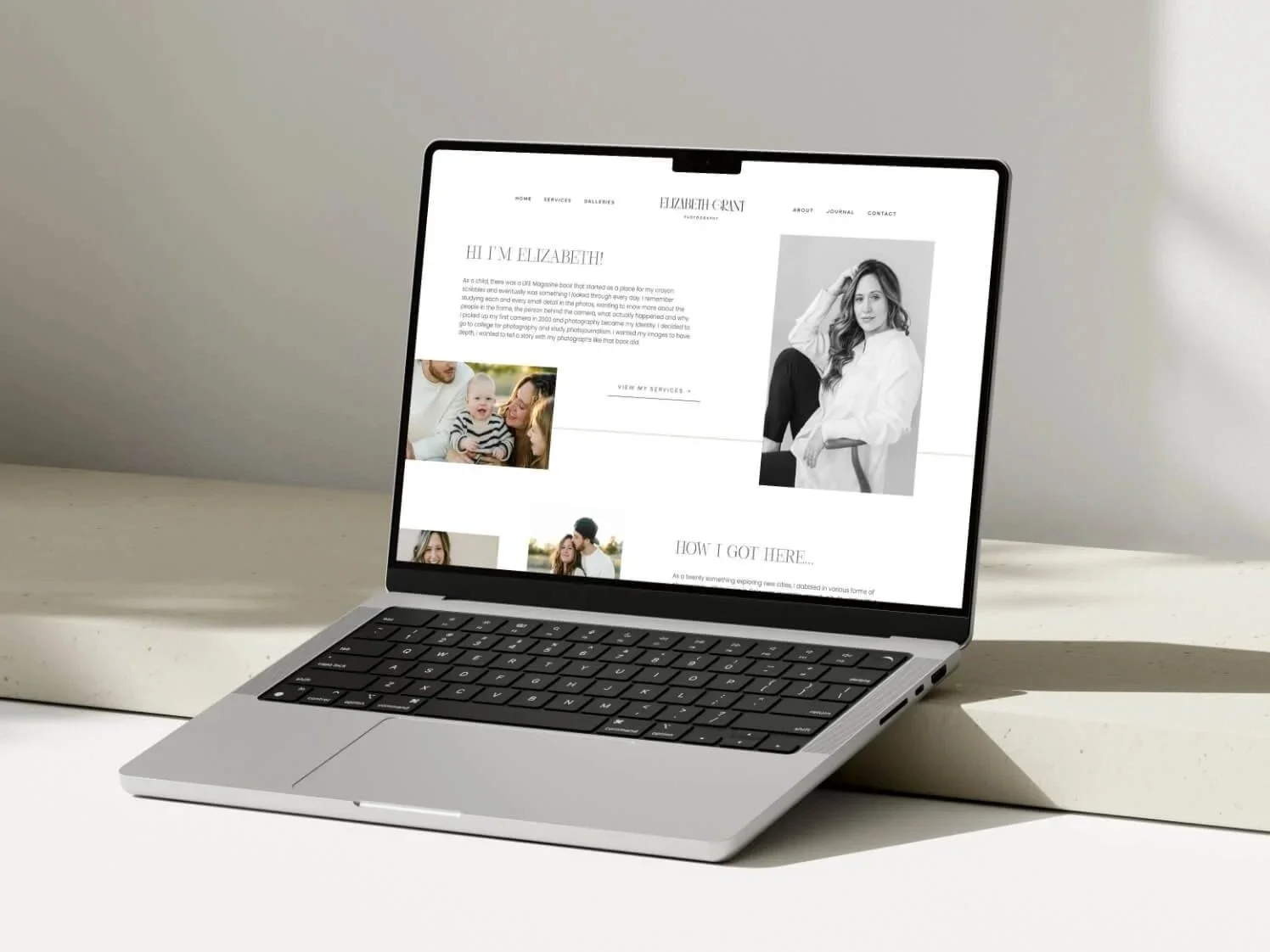
Ready to Build a Website That Actually Works for Your Business?
If you've read this far, you're probably not here because you just need 'a website.' You're here because you want one that does something — brings in the right clients, positions you where you should be, and stops working against the business you've already built.
That's exactly what I do. I've built 125+ websites for service businesses across wellness, law, design, hospitality, and more — all strategy-first, all built to convert.
Start with the free guide: The Service-Business Website Blueprint gives you the full page-by-page breakdown of what belongs on every page of your site and why. It's the same framework I use with every client.

Ready to Build a Website That Reflects Where You’re Going?
Or if you're ready to talk about what a custom website design could look like for your business, book a free discovery call. No pressure, just a real conversation about where you are and what's possible.
